- Mirror 02nd Feb 2020 10:29:39 GMT +0300
SEE ALSO :Changes that marked the decade
For example, iOS 9 is available for iPhones going back as far as the iPhone 4s. To find out which operating system your iPhone uses, go to Settings, then General, then Software Update - your current version will be displayed there. Meanwhile, on Android, you can find out your operating system, by going to Settings, then About Phone, then Software Info.For More of This and Other Stories, Grab Your Copy of the Standard Newspaper. Subscribe Now »
The news comes shortly after WhatsApp stopped support for Windows smartphones. WhatsApp said: “You'll no longer be able to use all Windows Phone operating systems after December 31, 2019, and WhatsApp might not be available in the Microsoft Store after July 1, 2019.”SEE ALSO :Facebook's stock hits record high
The change follows a report by WABetaInfo which indicated that Dark Mode is finally rolling out to Android beta testers. WABetaInfo explained: “The day is here and I’m very happy to announce that WhatsApp is finally rolling out, for all Android beta users, the Dark Theme feature!” As the name suggests, dark mode changes the background colour of the app window to black, making it much easier on the eyes - particularly when using your phone in the evening. The report indicates that users will be able to choose from three themes on WhatsApp. The first, called Light Theme, is the usual theme on the app, while Dark Theme will turn your app to dark blue colours.SEE ALSO :Harry and Meghan Markle's 'private WhatsApp plan' during crunch talks with Queen
Alternatively, users can choose to Set by Battery Saver, in which the app will automatically switch to light or dark themes based on your Battery Saver settings.Do not miss out on the latest news. Join the Standard Digital Telegram channel HERE.
Related Topics
WhatsAppiPhonesRelated reporting
More Business News →
High Court Blocks Oigara Bank Fraud Probe as Stanbic CEO Escapes Questioning

15 Proven Ways to Make Money Online in Kenya; No Scams!
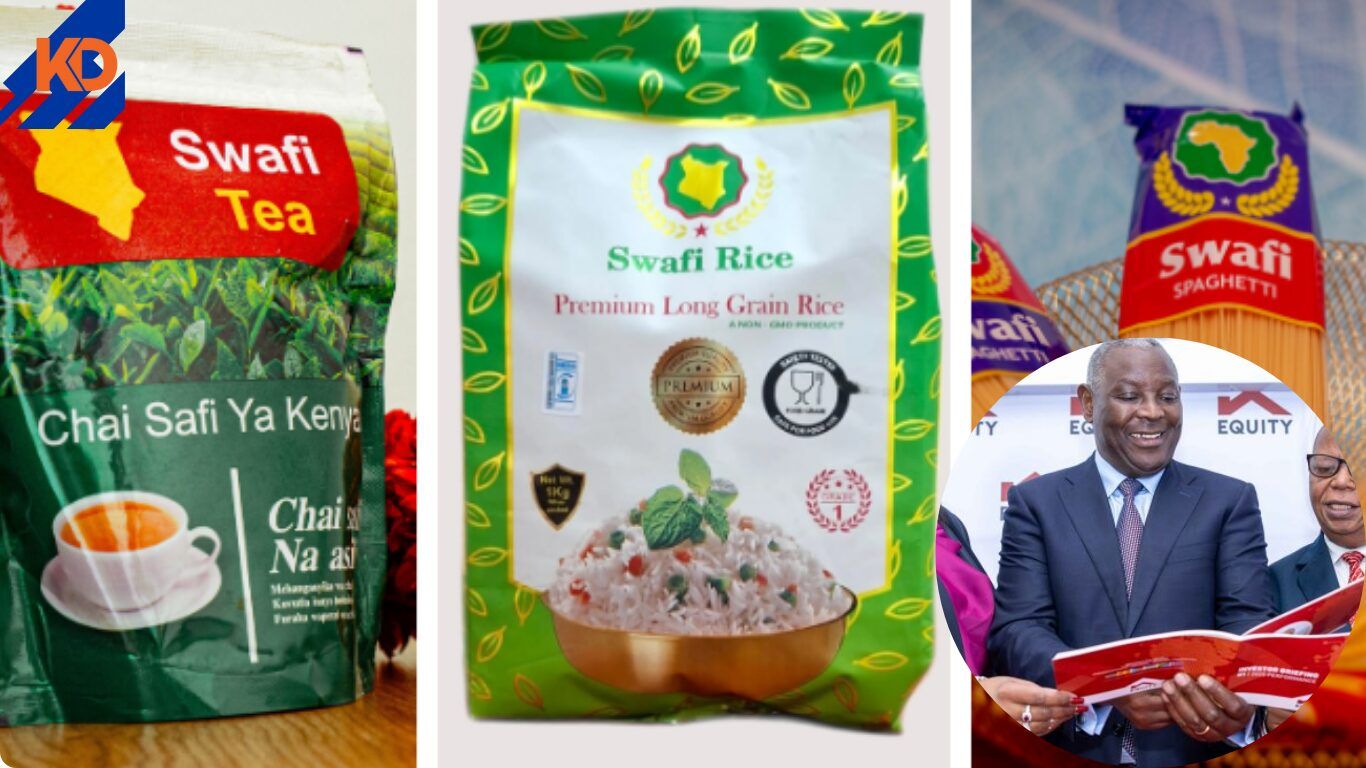
High Court Halts Equity Bank's Takeover Bid on Swafi Foods in Landmark Ruling
